
Features
Barrier Code helps you better understand what’s in your cosmetics and plan your skincare around your own needs. Scan the ingredient list, review the assessment, put together your routine and keep track of your skin – all in one app.
Everything in one place
Your skincare, all in one place.
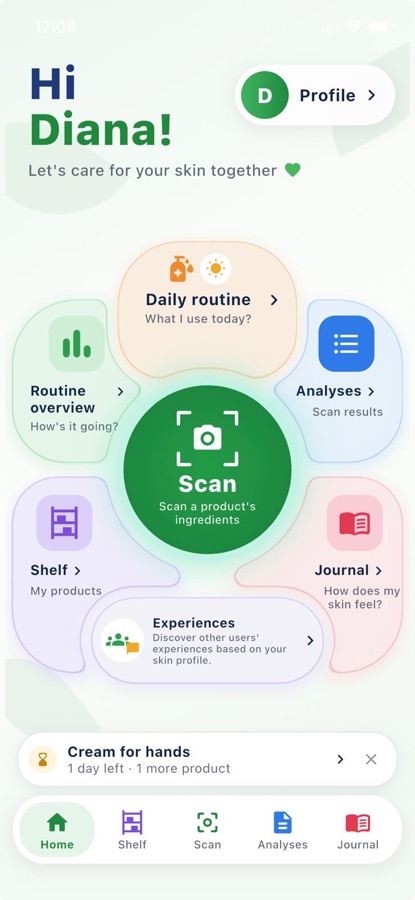
- On the home screen you’ll find scanning, Shelf, Daily routine, Routine analysis, Journal, Analyses and Experiences.
- You’ll also see expiry reminders and notifications for scheduled products.
1. Ingredient scanning
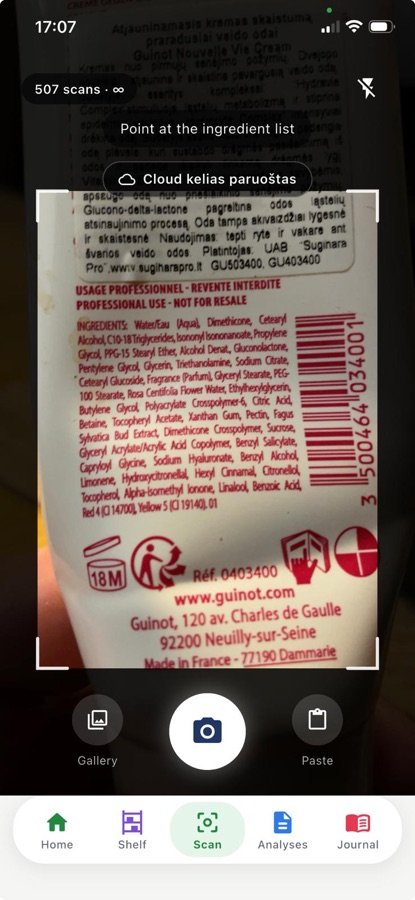
Scan the ingredient list straight from the packaging.
- Take a photo of the ingredient list, pick a photo from your gallery or paste the ingredient list.
- Choose the product type, for example a cream, serum or cleanser. The assessment takes into account whether the product is rinsed off or left on the skin.
2. Results for your skin
Understand how the formula is assessed for your skin profile.
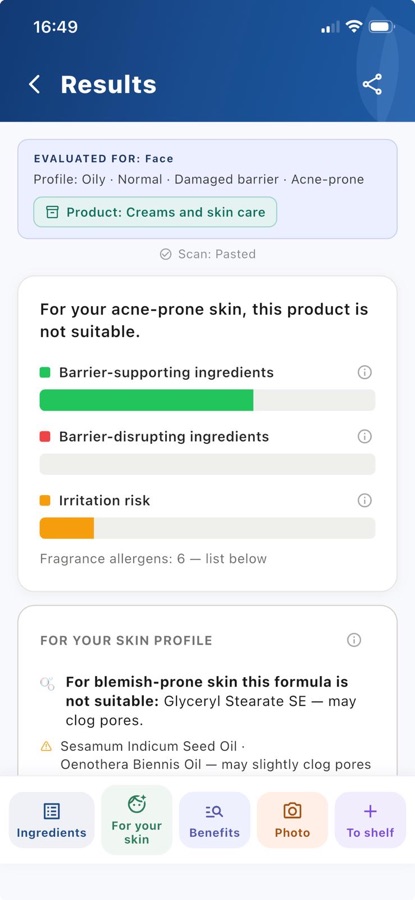
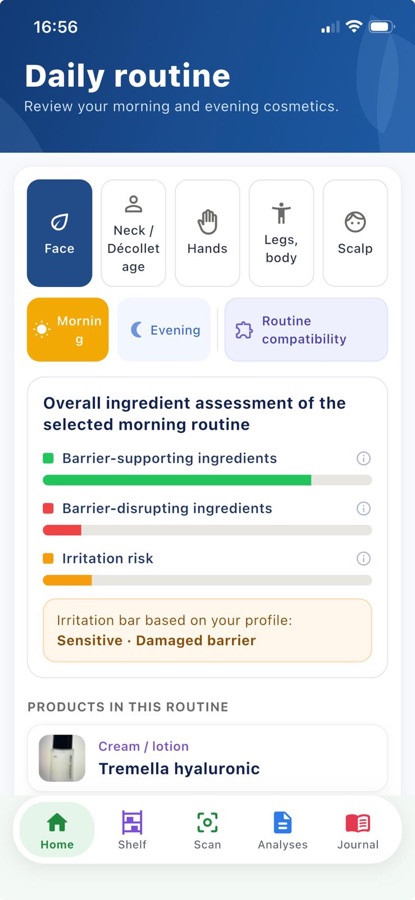
- You’ll see a verdict and an explanation of the result. Three bars show the barrier-supporting ingredients, the barrier-disrupting ingredients and the irritation risk.
- In “For your skin” you’ll see the ingredients and notes that matter to you. You can view the full ingredient list in order and open an explanation of each ingredient.
- When the formula contains active ingredients, such as retinol, acids or benzoyl peroxide, you may get tips on how to use and combine them.
- The app warns you about detected ingredients banned in the EU and about ingredients you have marked to avoid. Restricted ingredients are marked with the “Regulated” tag. You may also see the message “An ingredient you avoid was found” on screen.
- You can share the analysis result as a PDF with the button in the top right corner . It includes the product photo, skin profile, verdict, bars and ingredient information. You can preview the PDF before sending it. The PDF is created on your phone.
3. Benefits
Explore whether the ingredient list supports a product’s claimed benefit.
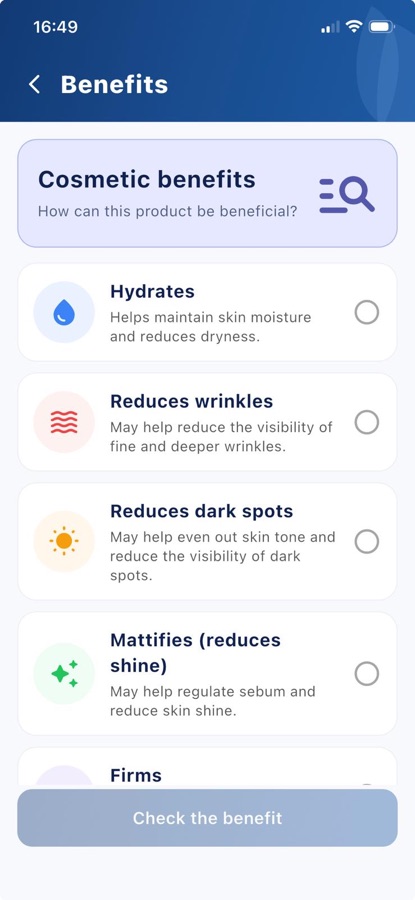
- Choose what you want to check: hydration, reducing the appearance of wrinkles or dark spots, mattifying, firming, or the “preservative-free” claim.
- You’ll see which ingredients relate to the chosen benefit and how they are assessed. For the “preservative-free” claim, the app checks whether it matches the ingredient list.
- The assessment is based on the ingredient list and the known properties of the ingredients.
4. Skin profile
The assessment is tailored to the skin you choose.
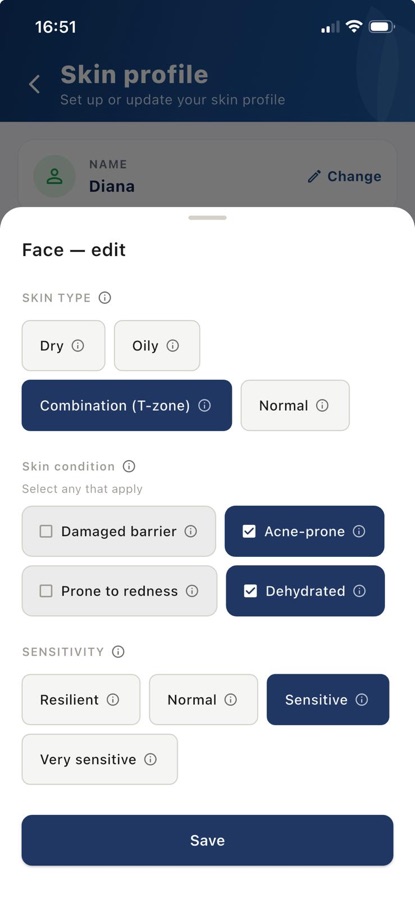
- Set your skin type (dry, oily, combination or normal), your sensitivity and the conditions that apply to you: a damaged barrier, a tendency to breakouts, redness or dehydration.
- Mark the ingredients you want to avoid. The app will highlight them in the products you analyze.
- The face profile is free. PRO lets you create separate profiles for your neck and décolletage, hands, legs and body, and scalp.
5. Shelf
Your cosmetics – in one place.
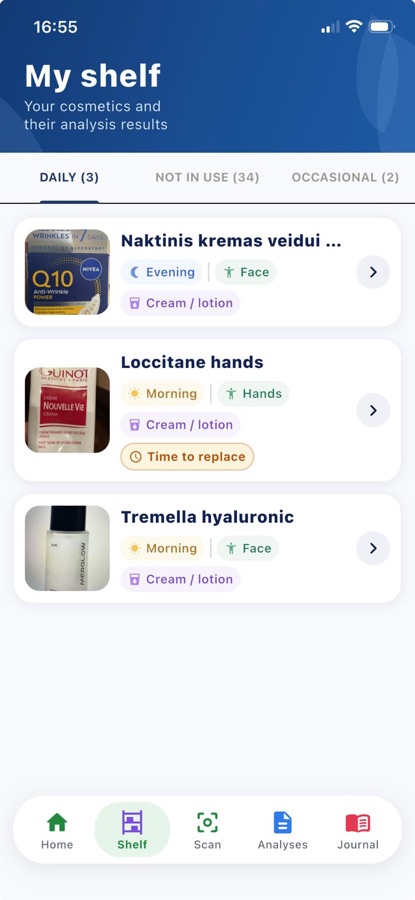
- Add products, add a photo of the packaging and choose when and on which body zone you use them. Your Daily routine is built from this schedule.
- You can organise products into “Daily”, “Occasional” and “Not in use”.
- Enter the opening date, the period of use after opening and/or the expiry date. The app follows whichever date comes first and reminds you when the expiry is approaching.
- From the Shelf you can write a review of a product – it is shown anonymously in “Experiences”. That way you share your experience with others.
6. Daily routine
See which products you have planned for today.
- Based on the schedule you set up on the Shelf, you’ll see your morning and evening products in the order you use them.
- Mark your routine as “Done” to add an entry to your Routine overview. Reminders for products you don’t use every day appear on the scheduled days.
- The PRO feature “Routine compatibility” helps you assess the ingredient combinations in the morning or evening products you choose.
7. Analyses
Revisit products you’ve analysed.
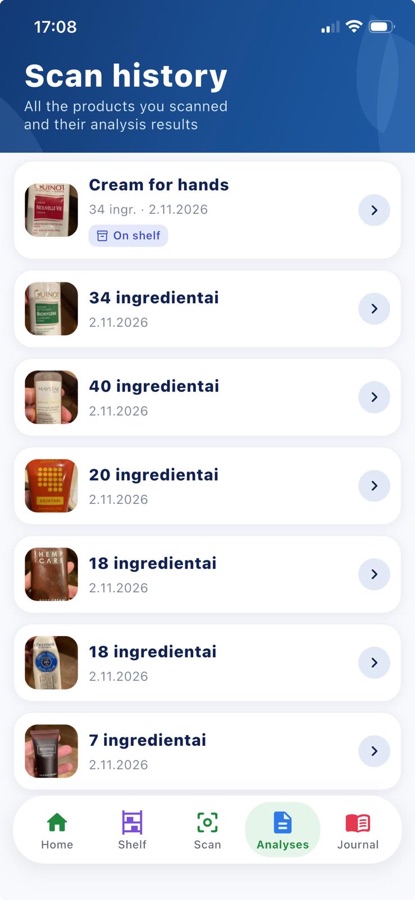
- In your analysis history you’ll find previous scans and their verdicts.
- If you add a photo of the front of the packaging, the product is easier to recognise.
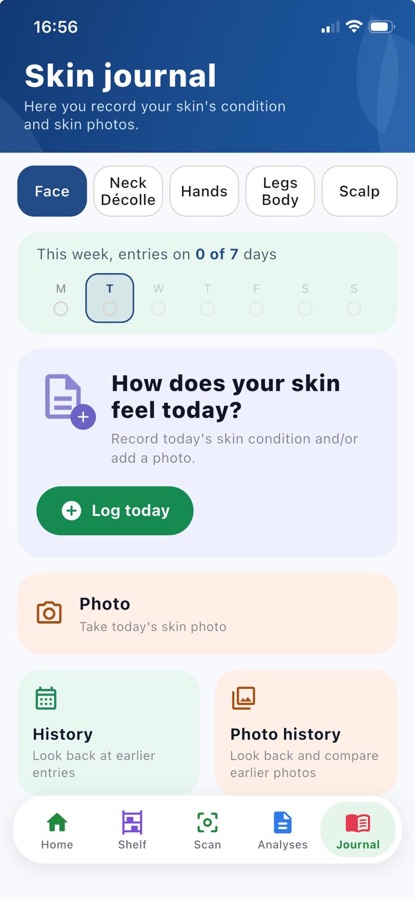
8. Skin journal
Record how your skin feels.
- Rate how your skin feels on a scale from “Bad” to “Great”, and add notes and photos for each body zone.
- Look back at earlier entries and compare photos. Journal entries and photos are stored on your phone.
- The Skin journal information is included in the Routine overview.
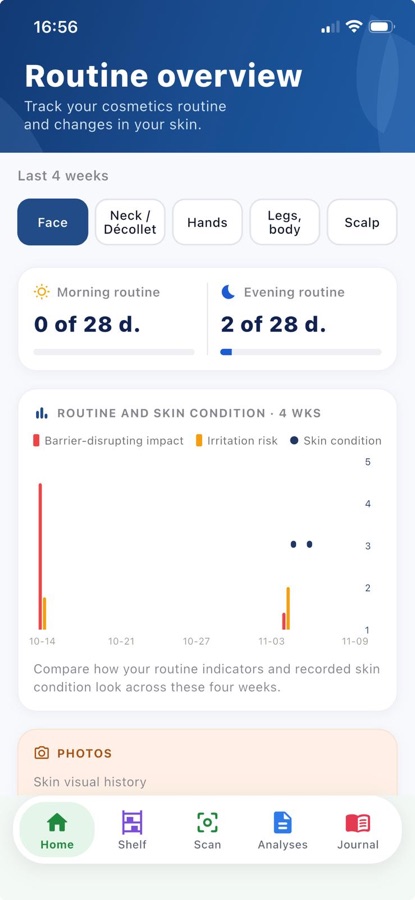
9. Routine overview
See your skincare history.
- Review your skin-feel entries and the products you used over the last 4 weeks.
- Prepare a PDF report you can share with a cosmetologist or dermatologist.
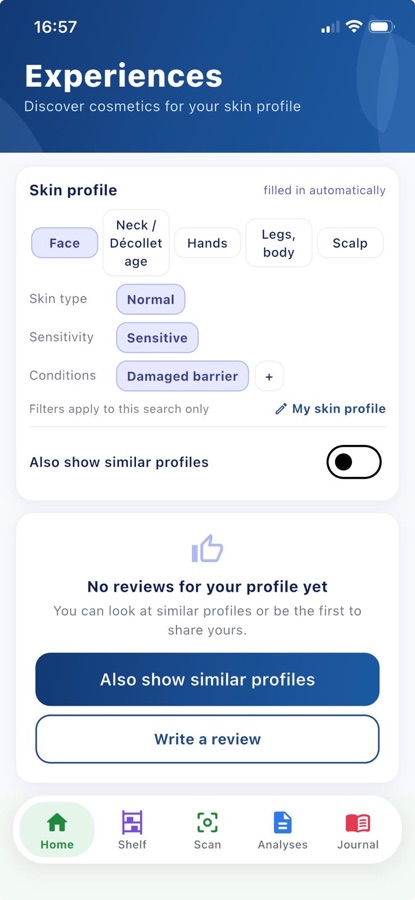
10. Experiences
Find out what other users say about cosmetics.
- Read other people’s reviews and search them by skin profile. When you open the section, the search uses your profile, which you can change.
- Reviews are anonymous and checked before they are published.
- Other people’s experiences are not personal cosmetics recommendations.
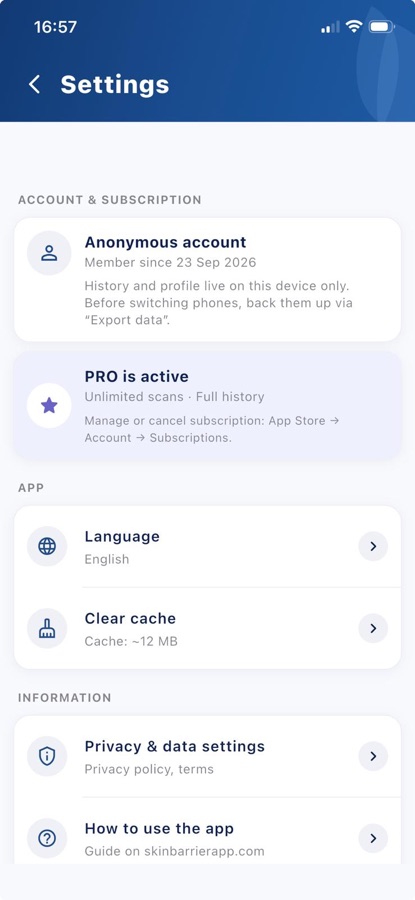
11. Data export and import
Move your data to another phone.
- In Settings you can export the app’s data to a file and save it wherever you choose.
- By importing the file on another phone, you can restore the data it contains. Before importing, the app warns you that the existing data on that phone will be replaced.
Your data and privacy
You can use the app without giving your name or email address.
- Your journal, photos, analysis history and Shelf are stored on your phone, except for information you publish yourself in “Experiences”.
- When you change phones, you move your data with export and import in Settings.
- You can delete your account and the data stored in the cloud in Settings.
Free and PRO
Start using it for free. If you need more, you can choose PRO.
| Free | PRO | |
|---|---|---|
| Scans | 15 per month | unlimited |
| Body zones | face | all four |
| Shelf | up to 10 products | unlimited |
| Analysis history | last 10 | unlimited |
| Ingredients to avoid | 3 | unlimited |
| PDF report | 3 in total | unlimited |
| Skin journal, photos | unlimited | unlimited |
| Routine compatibility | — | ✓ |
PRO is offered as a monthly or yearly subscription. You’ll see the price in the app before you buy; you can cancel the subscription at any time.
Important
Barrier Code provides an informational assessment of cosmetic formulas and ingredient properties. It is not medical advice, a diagnosis or treatment. If you have a skin condition or your skin is constantly irritated, see a dermatologist.